When to Upgrade Your Smartphone: A Practical Guide
Marcus opened Settings on a Tuesday morning and found his iPhone battery health at 79%. His carrier had already texted a trade-in offer. Same device in his hand. Two different futures: spend roughly $89 on a battery, or commit $999 to a new phone. The choice looked emotional. It was arithmetic.
This guide walks through the decision the way a systems thinker would — not by chasing the newest model, but by reading signals from battery health, software support timelines, and the actual cost of each path. By the end, you will know how often most people upgrade, which signs mean replacement, and when a $75 battery beats an $800 phone.
How Often Should You Actually Upgrade?
How often should you upgrade your smartphone? For most owners, the honest answer sits between three and four years — not every twelve months.
According to a 2025 Reviews.org survey of 1,000 U.S. adults, the average American upgrades every 29 months — two years and five months. Global data from SellCell puts the worldwide replacement cycle at 3.5 years as of 2025. Only 14% of people upgrade annually. Roughly 40% wait two to three years; another 29% stretch to four or five.
The European Commission's 2023 impact assessment found smartphones last an average of 2.5 to 3.5 years, with a maximum practical lifetime of about seven years under ideal conditions. Annual upgrades are a minority habit. Patient ownership is the norm.
This is not to say yearly upgrades are always wasteful. If your work depends on camera hardware or on-device AI that your current phone lacks, the calculation shifts. For everyone else, the default rhythm is closer to three years than one.
What Are the Signs Your Phone Needs Replacing?
What tells you the device has crossed from "annoying" into "replace"? Four signals matter: battery capacity, performance, physical condition, and software support.
Reviews.org's 2025 lifespan report identified the top upgrade triggers among Americans: faster performance (22%), battery problems (18%), wanting new features (13%), and broken or lost phones (13%). Trade-in deals drove just 6% of upgrades. People leave because the phone stops working well — not because marketing told them to.
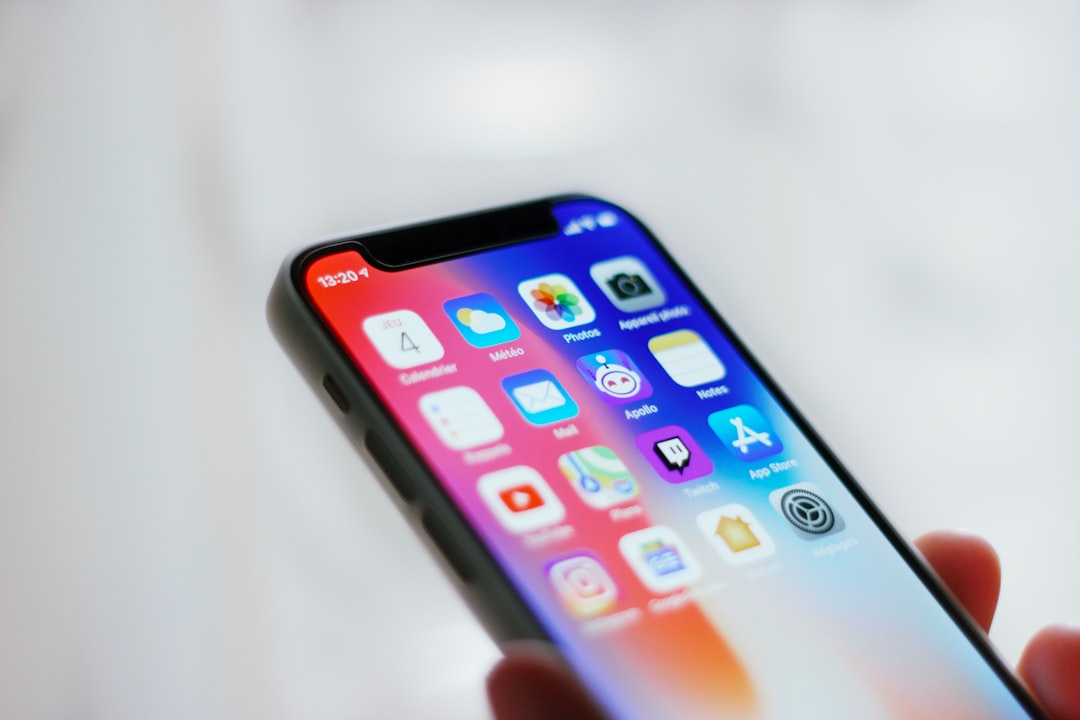
Battery degradation follows a predictable curve. Most lithium-ion cells lose noticeable capacity after two to three years of daily charging. On iPhone, check Settings > Battery > Battery Health & Charging. On Samsung Galaxy, open Settings > Battery and Device Care > Diagnostics. Alex Hausfeld, regional manager at uBreakiFix, told Scripps News that iPhone owners should consider replacement when health drops to 85% or below — because degraded cells force the phone to throttle performance to prevent sudden shutdowns.
Of course, a cracked screen or failing buttons change the math entirely. A fresh battery cannot fix structural damage. But if the chassis is intact and the only complaint is endurance, you may not be shopping for a new phone yet.
Is Upgrading Every Year Worth the Money?
Is upgrading every year worth it? For most buyers, the numbers say no — because the marginal gain rarely matches the marginal cost.
A current flagship runs $800 to $1,200. Over three annual upgrades, that is $2,400 to $3,600 before taxes and cases. Holding one phone for three years and replacing the battery once — typically $49 to $99 at Apple, $70 to $80 at Best Buy for Galaxy models, according to Consumer Reports — costs a fraction of a single new device.
Hausfeld framed the ratio plainly for Scripps News: battery replacement runs about one-tenth the price of a new phone. SellCell's 2025 data shows the average U.S. trade-in device age reached 3.84 years — up from 3.16 years in 2020. Americans are already stretching cycles because the cost-benefit of annual swaps no longer compels them.
Annual upgrades make sense when you resell quickly and recapture value, or when your carrier subsidizes the jump. For the owner who pays full retail and keeps the phone two years or more, the three-year hold wins on math alone.
The Security Cost of Keeping an Outdated Phone
What happens when your phone outlives its software support? It still makes calls. It also stops receiving patches for newly discovered vulnerabilities.
The European Commission found that nearly 20% of users bought a new device because software or applications stopped working on their current phone. Discontinued operating system support ranks among the leading causes of security and performance failures — especially on budget hardware, where manufacturers typically offer just 2.5 to 3.5 years of updates.
Support timelines now vary sharply by brand. Android Authority's 2024 policy roundup documents the spread: Apple commits to at least five years of security updates and often delivers six or more. Google Pixel 8 and later receive seven years of OS and security patches per Google's official support page. Samsung extended Galaxy security support to seven years as of January 2024, with monthly or quarterly patch schedules depending on tier.
At the other end, Motorola flagships receive roughly two OS upgrades and two to three years of patches. Budget Android phones may get only one upgrade and two years of security fixes. A phone is not outdated when it feels slow. A phone becomes outdated when the manufacturer stops closing the holes that attackers already know about.
Should You Replace the Battery or Buy a New Phone?
Should you swap the battery or retire the whole device? If the screen is intact, buttons work, and security updates still arrive, replacement is the rational first move — because it addresses the most common failure mode at the lowest cost.
Consumer Reports puts typical battery replacement at $49 to $99 through Apple and $70 to $80 at Best Buy for Galaxy models — versus $800 to $1,200 for a new flagship. Their testing found that a fresh battery can make an otherwise healthy phone perform like new and extend usable life by two or more years.
"As long as the phone is in good shape—no cracked screen, for instance—replacing the battery can make the device work like brand-new—and save you money."
That quote comes from Consumer Reports' hands-on testing — not from a marketing department. It names the mechanism: battery aging is a replaceable component problem, not a whole-device obsolescence event.
Buy a new phone when three conditions overlap: the battery cannot solve the primary complaint, physical damage affects daily use, or security updates have ended and your usage involves banking, work email, or sensitive data. Hausfeld told Scripps News that devices like the iPhone 5, 6, or 7 — which no longer receive patches — belong in the replacement column regardless of battery health.
SellCell reports that 75% of people cite battery degradation as their primary upgrade reason. Most of those owners could have spent $75 to $100 instead of $800 or more — if they had checked health settings before walking into a carrier store.
How to Make the Decision in Three Steps
Run this sequence before you spend anything. First, check battery health in your settings app and note the percentage. Second, look up your exact model on the manufacturer's security update page — Samsung publishes schedules at Samsung Mobile Security; Google lists Pixel timelines on its support site. Third, compare the repair quote against the price of a new phone you would actually buy, not the one on the poster.
Upgrading your smartphone is not a calendar event. It is a threshold crossing — when battery, software, or physical damage makes the device cost more to keep than to replace. Read those thresholds honestly, and the right year to upgrade becomes obvious.