Smart Home for Beginners: Hubs, Protocols, and Room Setup
In 1975, Jim Harmon wired the first X10 power-line module into his Los Angeles garage. He did not want a gadget. He wanted a control layer — a way to flip a light from another room without running new cable. Fifty years later, the mechanism is the same even if the hardware changed: you choose an ecosystem, you choose a protocol, and you add devices one room at a time. The smart home is not a product category. It is an infrastructure decision you make before you buy your first plug.
This guide answers the five questions beginners ask most often: what you need to start, which hub fits your household, which protocol avoids future regret, how to install lights and plugs, and whether $500 is enough. According to The Verge, the category has moved from hobbyist experiment to mainstream reality — but the failure mode remains unchanged. People buy devices before they choose a system.
What Do You Need to Start a Smart Home
What does a functional starter setup require? Three layers: a controller, a network, and at least one actuated device. The controller is usually a smart speaker with a built-in hub. The network is your existing Wi-Fi router, ideally broadcasting a stable 2.4 GHz band. The actuated device is whatever you want to command remotely — a plug, a bulb, a thermostat.
According to CNET, smart plugs are the correct first purchase because they cost roughly $15, install in seconds, and perform one legible function: toggling power on and off from your phone or by voice. CNET's editors put it plainly:
"We often point to smart plugs as the entry point for anyone interested in trying out a connected home device. They're cheap, they're simple to install and they perform a function that's pretty easy to grasp, toggling power on and off remotely."
This is not to say you must skip bulbs or thermostats. Of course those devices deliver more visible value. But plugs teach you the commissioning workflow — app pairing, naming conventions, room assignment — without the frustration of a $245 thermostat that fails to join your network on the first attempt.
Which Smart Home Hub Should You Choose
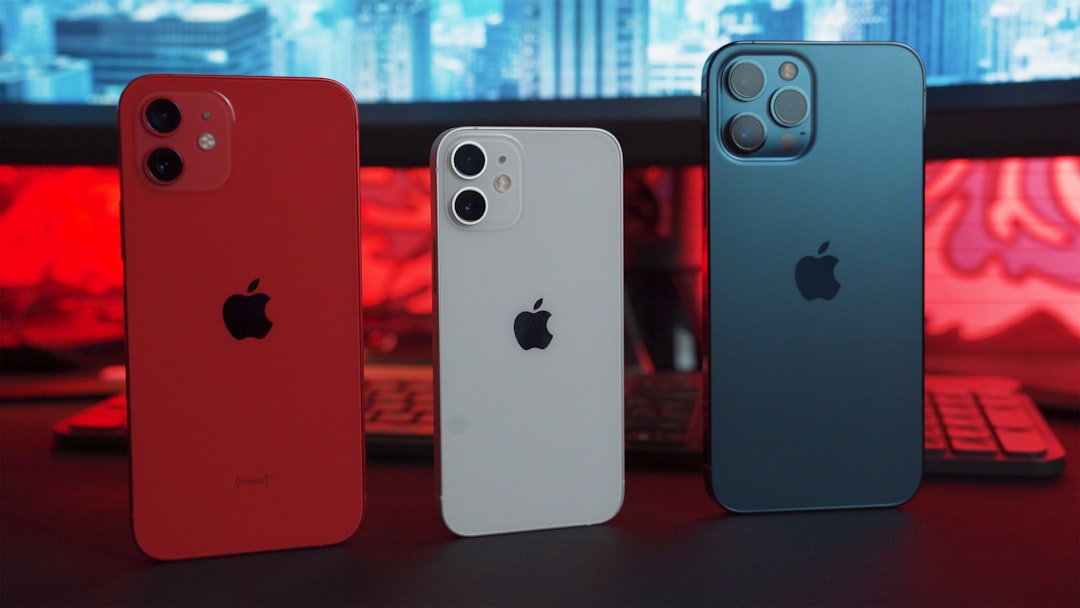
How do you know whether Alexa, Google Home, or Apple HomeKit fits your household? Match the hub to the phone already in your pocket. Ecosystem alignment reduces friction because your existing accounts, calendars, and voice profiles carry over.
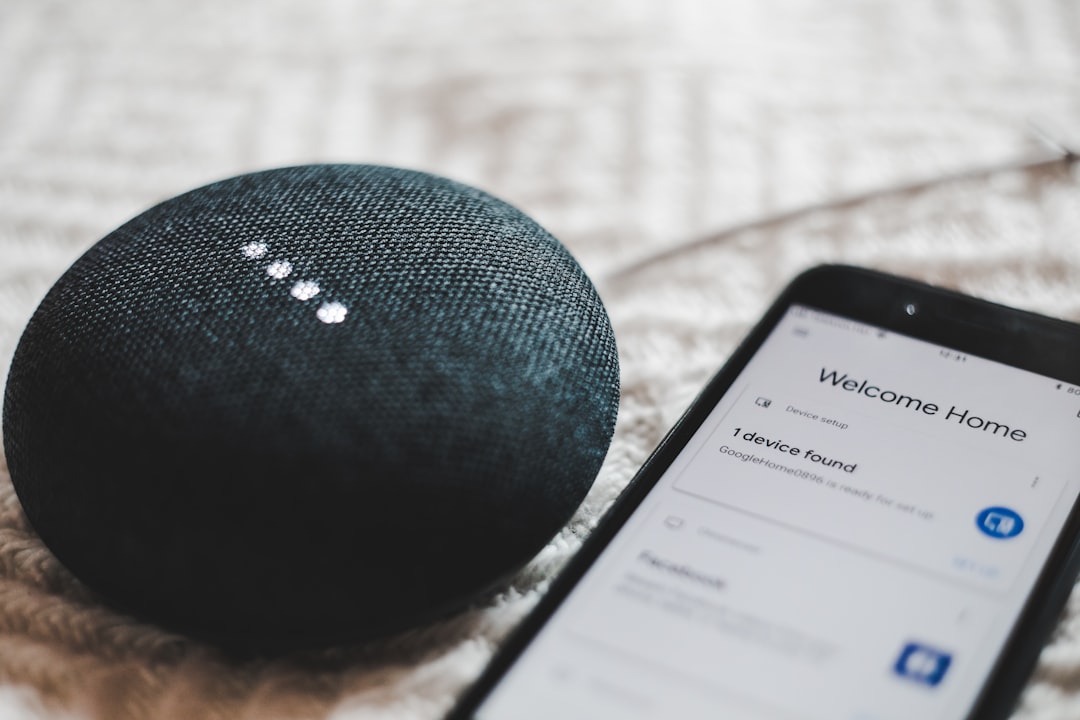
According to CNET, three current options anchor most beginner setups in 2026:
- Amazon Echo Studio (2025) — $190: Serves as both smart speaker and Alexa hub. Controls lights, locks, and plugs by voice. Best for households already using Alexa routines and Ring devices.
- Google Nest Mini — $90: Budget-friendly entry for Android and Google Workspace users. The Verge reported in June 2026 that Google's new $99 Google Home Speaker also began shipping, giving Google users a refreshed hardware option after a six-year gap.
- Apple HomeKit (via HomePod mini or Apple TV): No single CNET price anchor, but Apple Home prioritizes local control and Thread/Matter integration. Best when every phone in the house runs iOS.
A hub is not a status symbol. A hub is a routing decision. Alexa routes through Amazon's cloud. Google Home routes through Google's. HomeKit routes locally when Thread border routers are present. Pick one primary controller, then buy devices that certify for that platform — and, critically, for Matter.
Which Smart Home Protocol Should You Use
Why does protocol choice matter more than brand loyalty? Because the protocol determines whether Device A from Manufacturer X talks to Device B from Manufacturer Y without a cloud middleman.
Matter, maintained by the Connectivity Standards Alliance, is the industry-unifying IP-based standard backed by Amazon, Apple, Google, Samsung, and more than 900 member companies. The CSA describes it as "a seal of approval that devices will work seamlessly together today and tomorrow." Matter runs on Wi-Fi and Thread network layers and uses Bluetooth Low Energy for initial device commissioning.
Thread operates one layer below Matter on many devices. Thread is an open, IPv6-based mesh protocol built on IEEE 802.15.4. It provides AES encryption at the network layer and self-healing routing: if one node drops offline, traffic reroutes through neighbors. The Verge reported in June 2026 that Thread membership grew 27% over two years, with over 1,000 certified devices — 151 added in 2026 alone.
Matter had certified over 1,200 unique products by mid-2026, according to The Verge's coverage of the CSA Unify conference. Matter 1.6 introduced Joint Fabric, allowing a single shared network controllable by Apple Home, Google Home, and Amazon Alexa simultaneously. Tobin Richardson, CEO of the CSA, told The Verge: "Matter long-term won't be successful until everybody can use it at parity. That's the goal. And all the companies know that."
Protocol choice is not brand loyalty. Protocol choice is insurance against obsolescence.
How to Set Up Smart Lights and Plugs by Room
Can you build a useful smart home under $500? Yes — if you allocate by room rather than by wish list. The Verge notes that a starter kit can begin with smart plugs at $15 each, smart bulbs at $26 each, and a speaker/hub between $90 and $190.
Living Room (~$130)
- Plug a lamp into a TP-Link Kasa Smart Plug Mini ($15). Name it "Living Room Lamp" in the app.
- Replace one overhead bulb with a GE Cync Dynamic Effects Smart Bulb BR30 ($26). Schedule it to warm-dim at 9 p.m.
- Create a voice routine on your hub: "Movie time" dims the bulb and turns off the lamp plug.
Bedroom (~$55)
- Add a second Kasa plug ($15) for a fan or humidifier.
- Install one smart bulb ($26) and set a wake-up fade at 6:30 a.m.
- Enable away-mode scheduling so both devices simulate occupancy when you travel.
Kitchen (~$15–$40)
- One smart plug on the coffee maker ($15) is sufficient for most beginners.
- Optional: a motion-triggered under-cabinet strip if budget allows.
Climate Control (~$245, optional)
The Nest Learning Thermostat Gen 4 ($245) uses learning algorithms, eco modes, and presence sensors to reduce heating and cooling waste. This single purchase can exceed your plug-and-bulb budget, so treat it as Phase 2 after you have confirmed your hub and protocol choices work reliably.
Room-by-room expansion works because each success teaches the next commissioning step. One room is a test bench. Five rooms is a system.
Beginner Mistakes and How to Avoid Vendor Lock-In
What causes most smart home regret within six months? Three predictable errors.
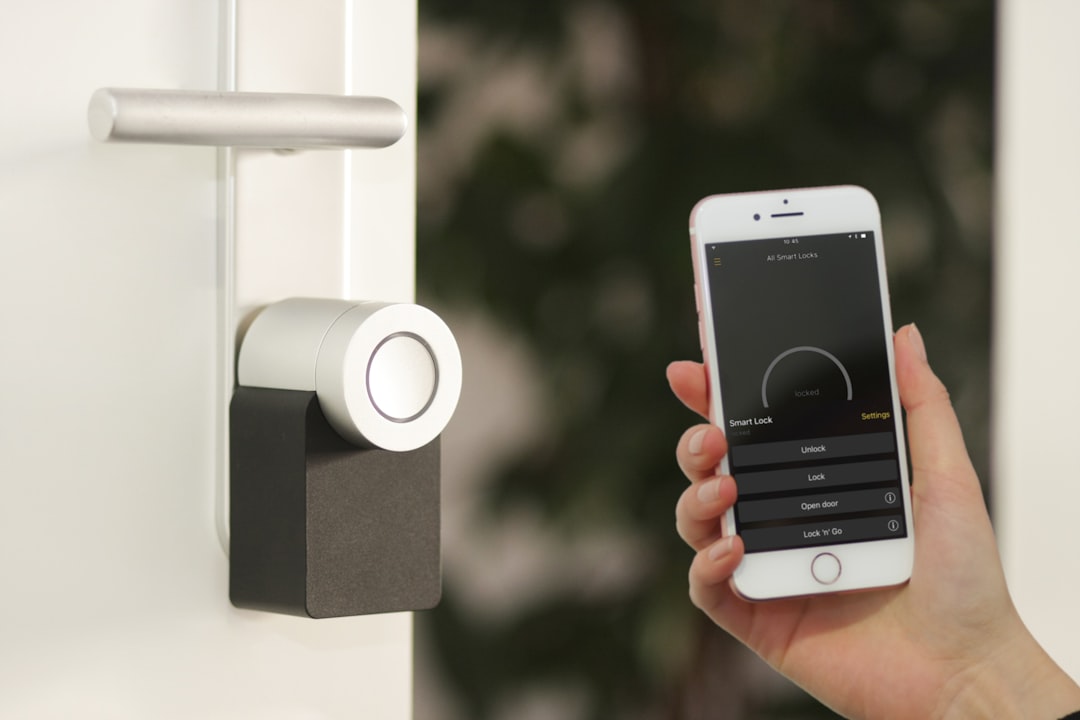
Buying devices before choosing an ecosystem. A Zigbee-only lock does not join an Alexa-only Wi-Fi setup without a compatible bridge. Choose your primary hub first, then filter every purchase through Matter certification.
Ignoring Matter labels. Non-Matter devices often depend on a single manufacturer's cloud. When that cloud changes pricing or shuts down, your hardware loses features. The CSA's Matter certification mark is the mechanism that prevents this — it guarantees IP-based interoperability across brands.
Over-automating on day one. Start with two devices in one room. Verify voice control, scheduling, and remote access. Then expand. The Verge notes that major platforms currently support Matter 1.3 while the specification sits at 1.6, so not every new feature arrives immediately — but Matter-certified hardware remains forward-compatible as platforms catch up.
Vendor lock-in is not a conspiracy. Vendor lock-in is the default state of any closed protocol — and Matter exists specifically to override that default.
Your Next Step
You do not need a whole-house renovation. You need one hub matched to your phone, two Matter-compatible plugs, and one bulb in the room you use most. That configuration costs under $150 and teaches you every workflow you will repeat as you grow. According to The Verge, "The smart home was once a far-flung pipe dream, but it is now a reality" — which means the remaining difficulty is not availability. It is sequencing. Choose the system first. Then buy the devices that certify for it.